Be Prepared: How To Organize Your Cruise Documents

DISCLOSURE: Stylish Cruising contains affiliate links and is a member of the Amazon Services LLC Associates Program, as well as affiliate programs with other companies. If you make a purchase using one of these links, we may receive compensation at no extra cost to you. To learn more, please see our Privacy Policy.
Does the thought of arriving at your cruise port with no paperwork in hand make you nervous? Here’s how to organize your cruise documents in a cruise notebook that will travel with you.

Frequently Asked Questions
Do I need to print cruise documents?
Yes, it’s a good idea to print your cruise confirmation and your boarding pass in case you can’t use the cruise line’s app on your phone.
How do you organize travel documents?
Creating a cruise notebook is a great way to keep your travel documents organized. Read on to find out how.
What documents do I need on a cruise?
You will need your passport, possibly your vaccination card, and your boarding pass. It’s also a good idea to print out your cruise confirmation.
What documents do I need to get off a cruise ship at a port?
At a minimum, you will need your cruise key card and a photo ID like a driver’s license. Depending on the country you’re visiting, you may also need your vaccination card, or possibly a visa. Check well in advance with your cruise line to be certain.
Looking for cruise organization tips? You’ve come to the right place! I’ve developed a system for how to organize your cruise documents, and I’m happy to share it with you.
A lot of planning goes into making sure your cruise trip runs smoothly. Just in case there’s a bump in the road, however, it’s good to have your documents handy.
When we started cruising frequently, I began making a notebook for each trip to consolidate all the important paperwork so I could keep it straight. With multiple cruises booked at a time, being organized is imperative. The last thing you want to do is miss a final cruise payment or forget to book a pre-cruise hotel months ahead while the prices are lower.
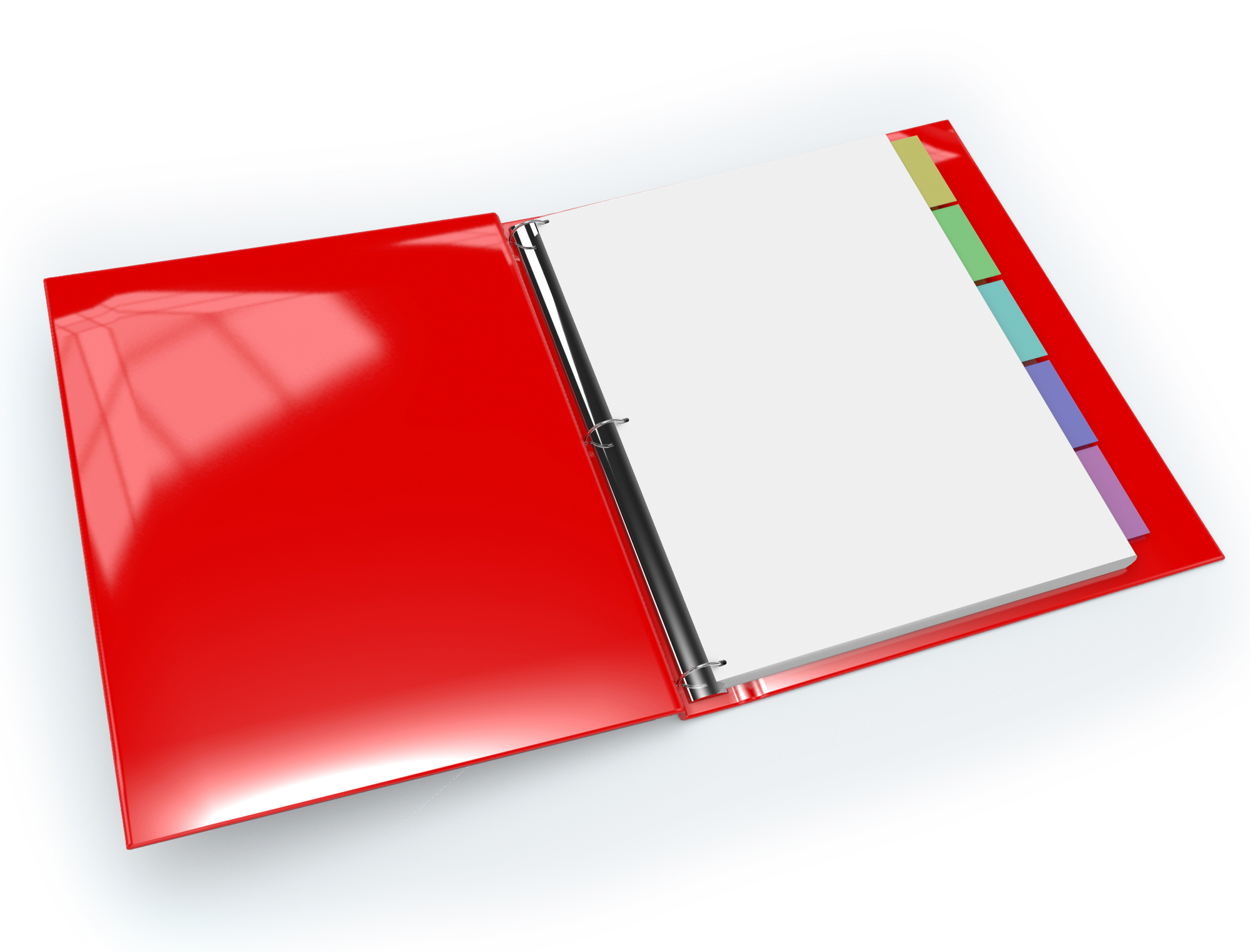
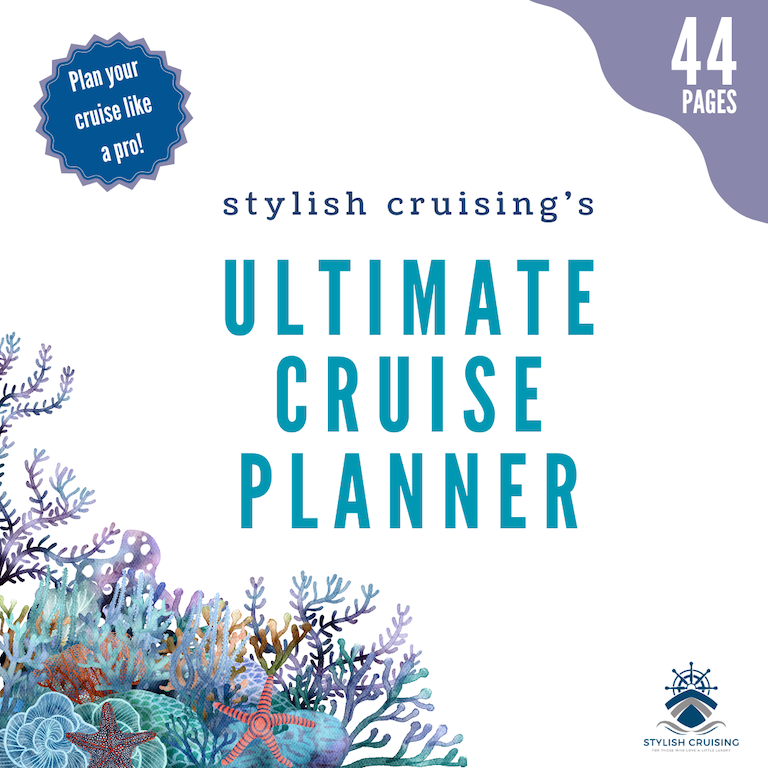
I keep this information in an inexpensive 1-inch ring binder (although 1/2-inch ring binders will also do well) with eight tab dividers for each trip. When we’re packing to leave for our trip, I transfer that trip’s documents into a slimmer three-prong folder with pockets. This cruise notebook I keep with me in a tote bag as we travel, then tuck it away safely in our cabin once we arrive.
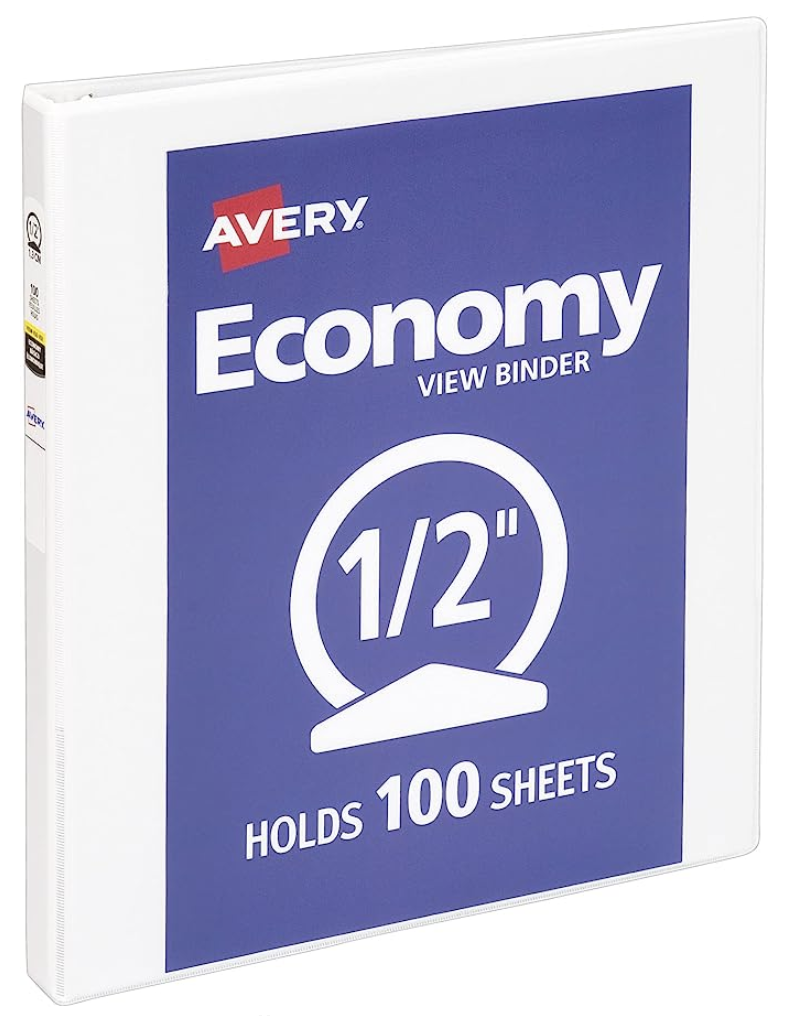

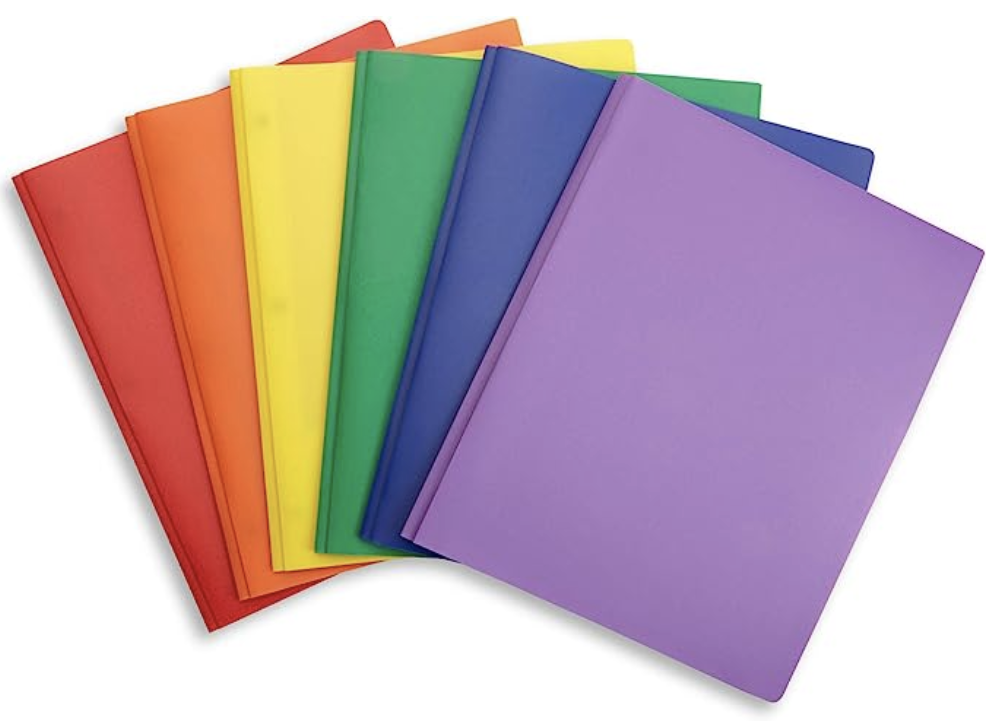
Why don’t I just use the three-prong folder from the beginning of the process? Because it’s a pain to add and remove paperwork from the three-prong folder but it’s a breeze to do it with the three-ring binder.
Why You Should Create And Carry A Cruise Notebook
Sometimes I think, “Why am I carrying this stupid folder every time we travel?” But as soon as I do, an issue comes up where we need it, such as when our hotel reservation got lost, or there was an issue with what wi-fi package we had paid for on a cruise, or reminding ourselves of what exactly each shore excursion is going to entail so we can dress appropriately.
And these are just small reasons to keep a cruise notebook. Heaven forbid, but there are bigger reasons.
What if you or your significant other slipped and fell, breaking a bone on the ship? What if you had a heart attack or an allergic reaction? Having your medical history handy would definitely help the ship’s doctor.
When you book your cruise and start a notebook for it, it’s woefully empty at first with just the cruise confirmation. But soon you’ll be making ancillary reservations for the trip and will need a place to file all those receipts. And you’ll need checklists to make sure you cover all your bases once your cruise is booked.
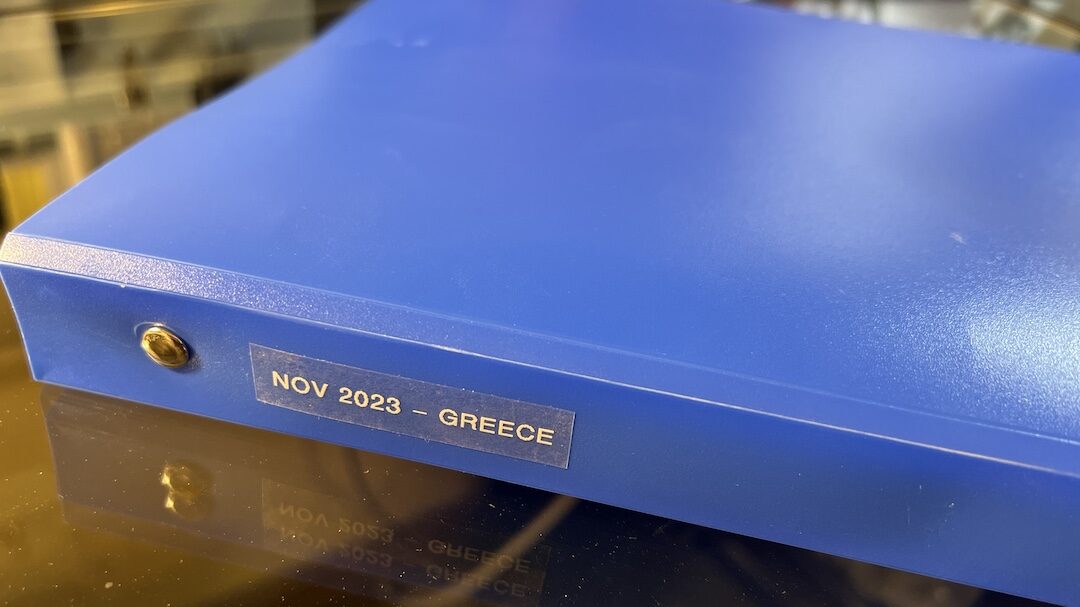
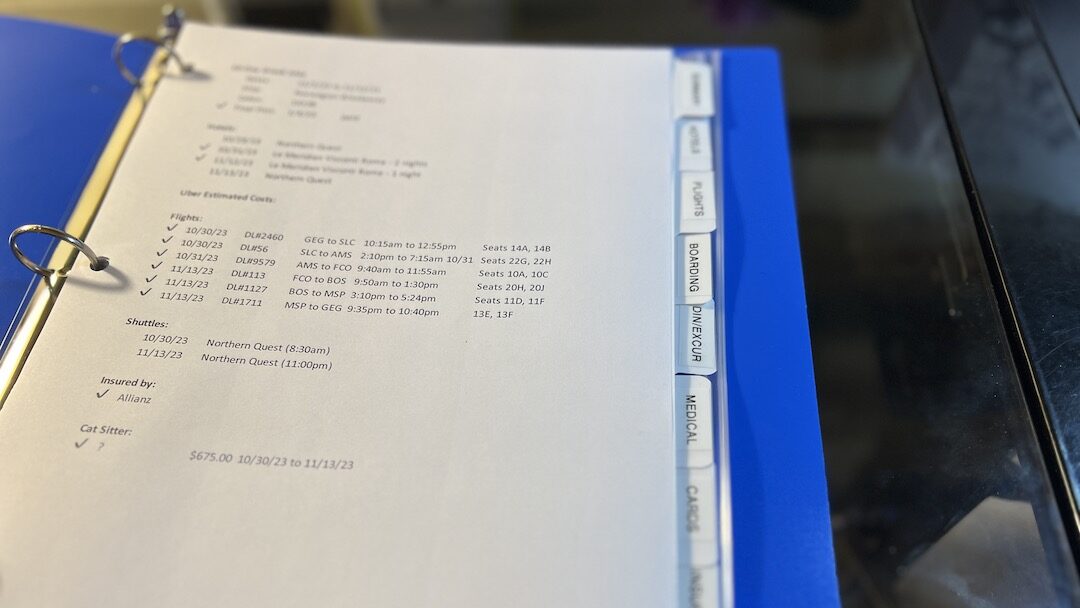
Below is the actual notebook I’ve prepared for our upcoming trip to Greece. It’s our second time, and we’re so excited to go back.
How To Create A Cruise Notebook
My cruise notebooks have eight tabbed sections: Summary, Hotels, Flights, Boarding, Dining/Excursions, Medical, Cards, and Insurance, plus a zipper pocket at the back. The last three sections (Medical, Cards, and Insurance, plus the zipper pocket) don’t change from trip to trip, so these sections simply transfer from the current cruise notebook when travel is completed to the next cruise notebook.
Most of the information can be printed out from emails or the internet, but I do make three Excel spreadsheets for each cruise, one that’s a cruise schedule, and the other two that help me stay organized so I can keep up with the costs incurred for the trip.
Cruise Schedule
In the front pocket of the folder, I have our cruise schedule, which I created in Excel. It has a column for each day of the cruise and includes information like the day/date, which port we’re in each day or whether we’re at sea, when we arrive and depart each port, and any appointments or reservations I might have made for us pre-cruise.

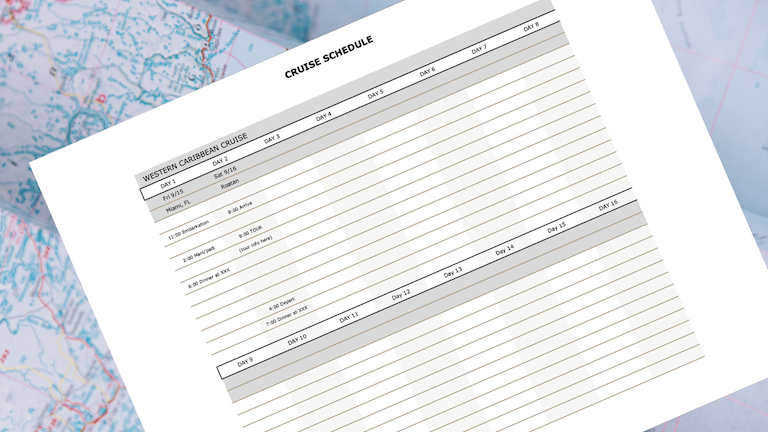
Cruise Schedule Excel
Would you like to have an Excel Cruise Schedule form to help you with planning for your next cruise?
We also have a version that you can fill out by hand.
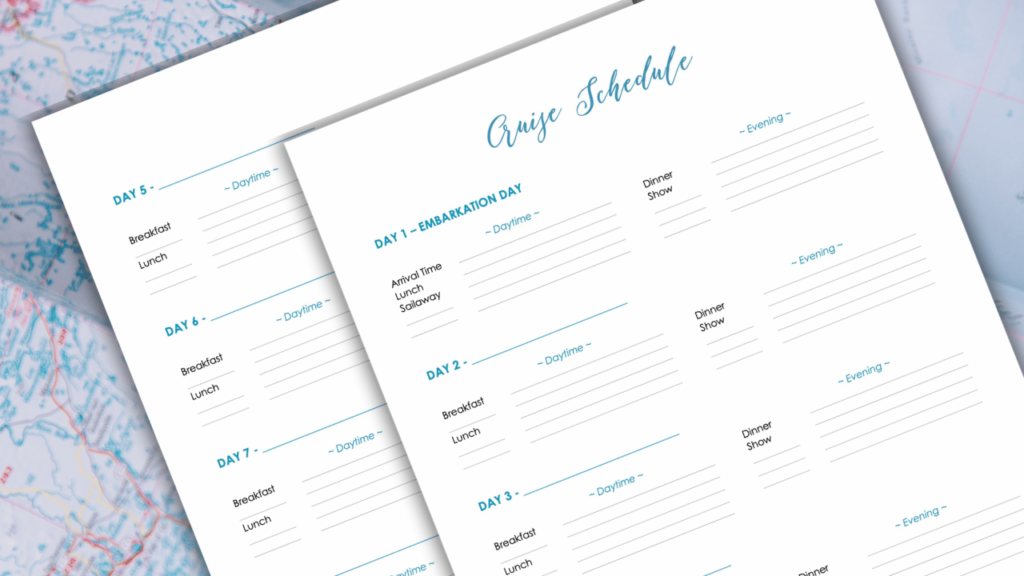
Cruise Schedule PDF
Would you like to have a Cruise Schedule form to help you with planning for your next cruise?
Once we reach our cabin, I’ll attach this schedule to a wall with a magnetic hook. I tie a piece of string to a mechanical pencil and hang it on the hook to keep handy, so I can add to the calendar any new reservations we make or activities we want to be sure not to miss. At the end of each day, I place a line through it so we can easily see what’s up next.
By the end of the cruise, the schedule is a mess of scribbles, as you can see below, but it’s achieved its purpose of making sure we’re on time for all we’ve set out to do.
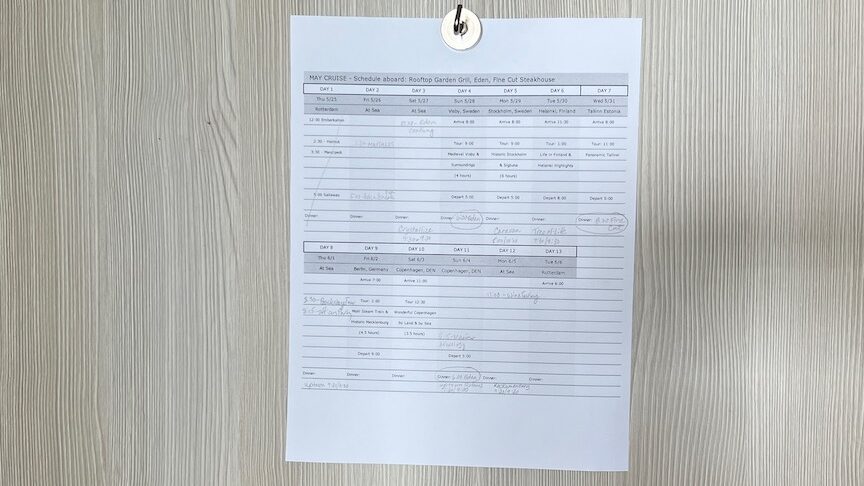
Cruise Checklist
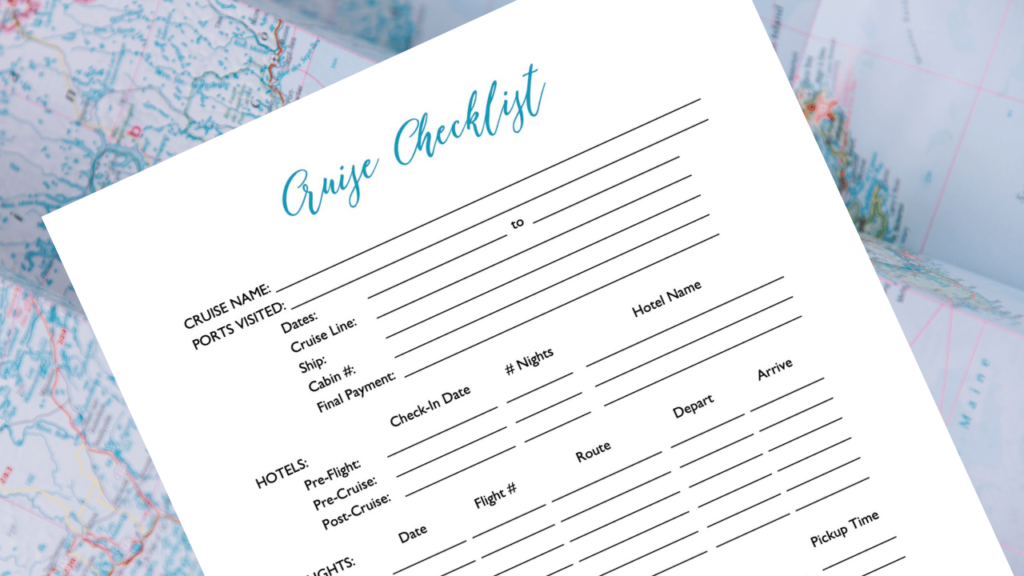
In front of all the tabbed sections, I have an Excel spreadsheet that is a cruise checklist. This reminds me to make all the reservations I need, such as for hotels, flights, and transfers. I can check off when I’ve sent off certain forms, like a special needs form to the cruise line for distilled water for my CPAP. I also use it to remind myself to schedule the pet sitter.
Most importantly, this is where I keep the date of the final payment for our cruise, and whether the payment has been made.
Here is the cruise checklist I created in Microsoft Excel for our recent Panama Canal cruise.
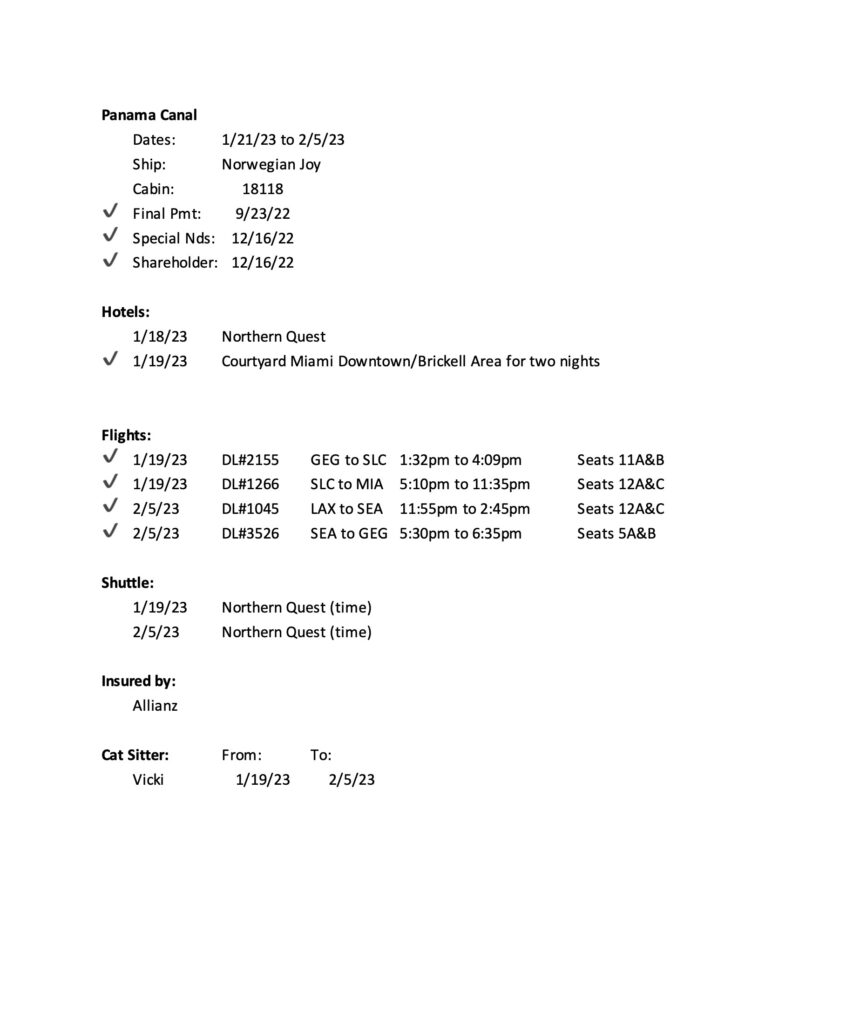
Before we leave the house for a trip, I take a photo of this checklist to refer to easily on my phone while we’re traveling, especially our flight information, without having to take the folder out of my tote bag.
We also have a version you can fill out by hand.
Cruise Checklist PDF
Would you like to have a Cruise Schedule form to help you with planning for your next cruise?
Summary (Cruise Information)
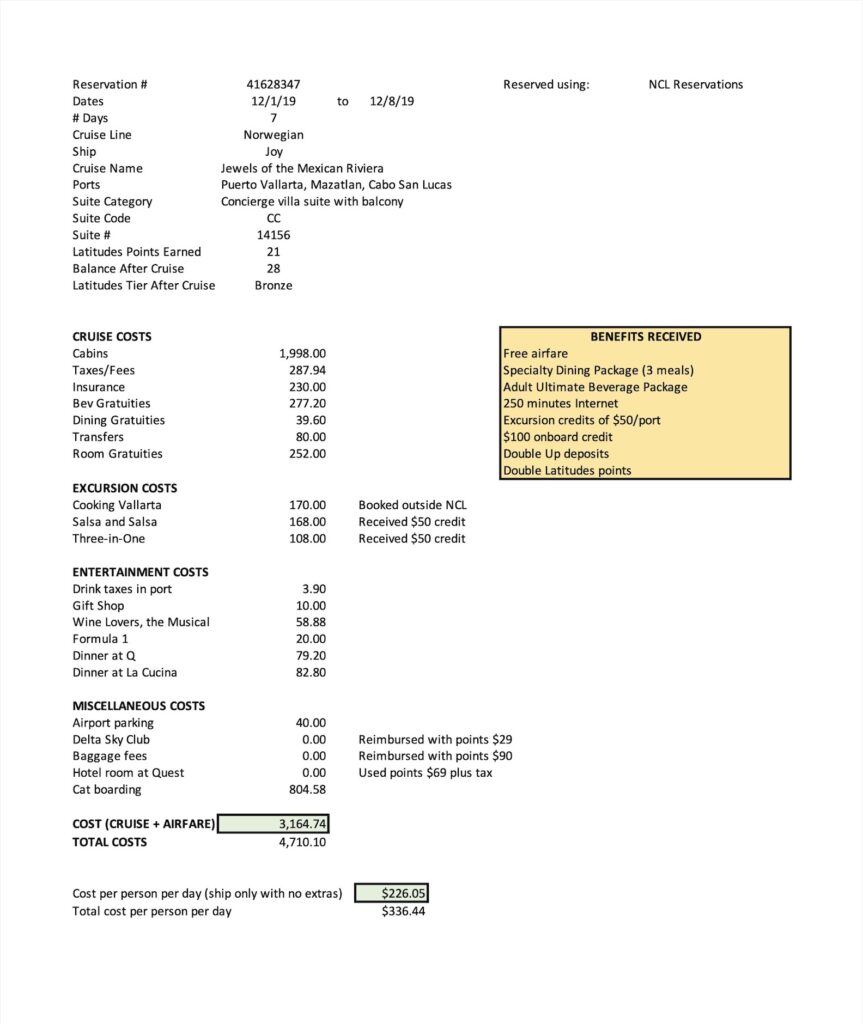
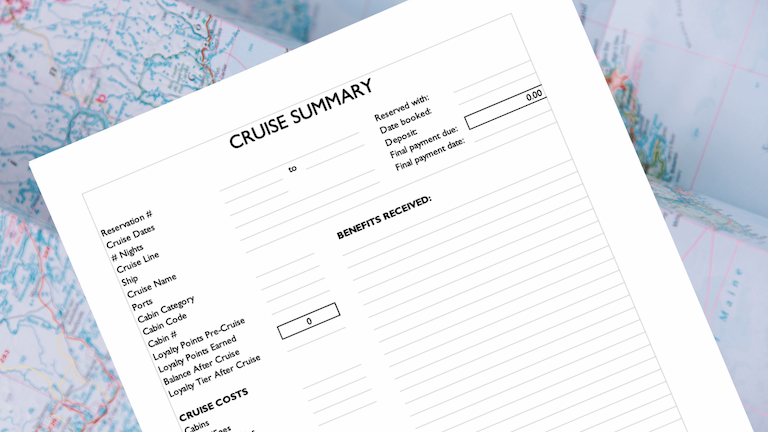
First, I have an Excel spreadsheet that I create when I book the cruise, listing the booking details, what I paid for the cruise, shore excursions, airfare, hotels, and other miscellaneous costs. I also cut and paste into the spreadsheet the benefits that we’ll receive from our tier in the cruise line’s loyalty program, as well as from the cruise line’s casino loyalty program.
Below is the summary of our third cruise several years ago. Back then, I tracked every penny we spent. Now, I simply track the costs of the cruise itself plus airfare and pet sitting. I don’t worry so much about the excursions and entertainment costs. For this summary, we had no standing with Norwegian’s loyalty programs, so there were no benefits to list except for those we received with the booking.
You’ll note that I have the spreadsheet calculate the cost per day of the cruise alone, then of all the costs. This helps me compare the cost of a cruise we’re considering taking to others we’ve taken in the past, apples to apples.
Cruise Summary (Excel)
Would you like to have a Cruise Summary form to help you with planning for your next cruise?
Next is a copy of our cruise confirmation from the cruise line.
If your cruise line (such as Norwegian) gives you an amenity confirmation, this goes next.
Hotels
Your hotel confirmations, including the amounts you prepaid or should be paying for your room, go here.
Flights
Your flight schedule and airline ticket receipt go here.
Boarding
A printout of your cruise boarding passes go here for easy access when checking in at the pier. You can also use the cruise line’s app on your phone to produce boarding passes, but I find it easier to produce paper copies from my notebook.
Dining/Excursions
Receipts and descriptions of the excursions you’ve booked, as well as any onboard appointments such as spa appointments or dinner reservations go here.
Medical
Just in case, I’ve written up a short medical history for each of us that includes our allergies, health issues, hospitalizations and surgeries, and medications and supplements we take. Also, a copy of our living wills and health care powers of attorney go here, as well as photocopies of our health insurance cards.
Cards
This section holds copies of our driver’s licenses, my husband’s green card, passports, vaccination cards, and any credit cards that we carry with us, both front and back, just in case they’re lost or stolen. This is also where I’ll keep visas if they’re necessary, and notarized permission documents if we brought our grandchildren along. A list of your emergency contacts and the addresses and phone numbers of the appropriate embassy for the countries you’re visiting could also be here.
Insurance
If you have travel insurance (which we strongly recommend), bring along a copy of your policy, including your policy number and how to contact your travel insurance company in case of an emergency. We use Allianz to purchase our annual travel policy.
Zipper Pocket
In this clear plastic zipper pocket, we keep all our receipts from the trip, plus our excursion tickets and any paper souvenirs from the trip that we might want to keep. This is also where I keep the W2-G forms I receive for jackpots in the casino that I need to report on our taxes.
Final Thoughts On How To Organize Your Cruise Documents
Of course, this process for how to create a cruise notebook is how I would suggest organizing your cruise documents, and your system may be even better. But if you don’t have a system in place, this can give you a starting point to set up your own.
My process may sound like a lot, but it’s actually easy to create your cruise notebook and then fill it as you go along. Knowing how to easily organize your cruise documents isn’t difficult. A little preparation in the months leading up to your cruise can save you a lot of headaches on your trip.
Happy cruising!

LET’S BE SOCIAL: Follow us on Facebook, Instagram, Pinterest, and YouTube.
Planning to book a cruise? We have some tips for you.